
How to Become a DCP Member
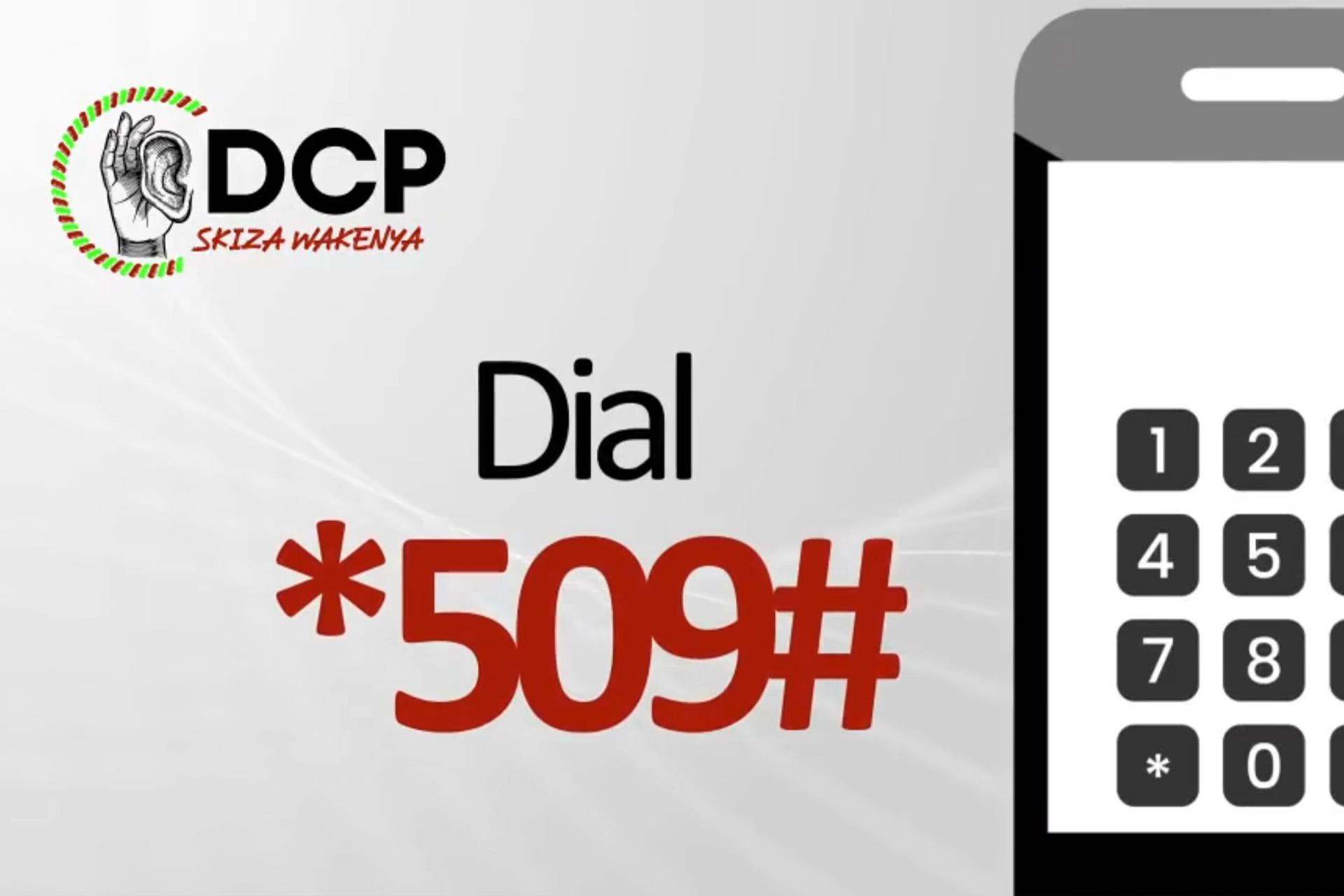
Here’s a simple, step-by-step guide to help you resign from your current political party and register as a DCP member using the Office of the Registrar of Political Parties (ORPP) USSD service or website.
Step 1: Resign from your current party
Using USSD (*509#)
- Dial *509# on your mobile phone.
- First time? Register with your ID number and first name exactly as they appear on your national ID. Your ORPP PIN arrives by SMS.
- Dial *509# again and enter your PIN.
- Select “Membership”, then option 3: “Resign”.
- Confirm your details to complete the resignation.
Online (ORPP portal)
- Visit the IPPMS portal at https://ippms.orpp.or.ke, or log in through eCitizen.
- Register or log in with your ID number and first name.
- Open “Membership Resignation” under your account.
- Confirm with the OTP sent to your phone.
- Check your status to make sure you are no longer in any party.
Step 2: Join DCP
Using USSD (*509#)
- Dial *509# and enter your ORPP PIN.
- Select “Membership”, then “Join a party”.
- Enter the party name DCP and the party code 103.
- Enter your county, constituency and ward codes when asked.
- Confirm your details. You are now a DCP member.
Online (ORPP portal)
- Log in to the IPPMS portal or eCitizen.
- Go to “Join a Party”.
- Select “Democracy for the Citizens Party (DCP)”.
- Fill in your details and submit.
- Your membership is updated once the party approves it.
Stuck? Visit the ORPP website or DCP headquarters for help.
More news
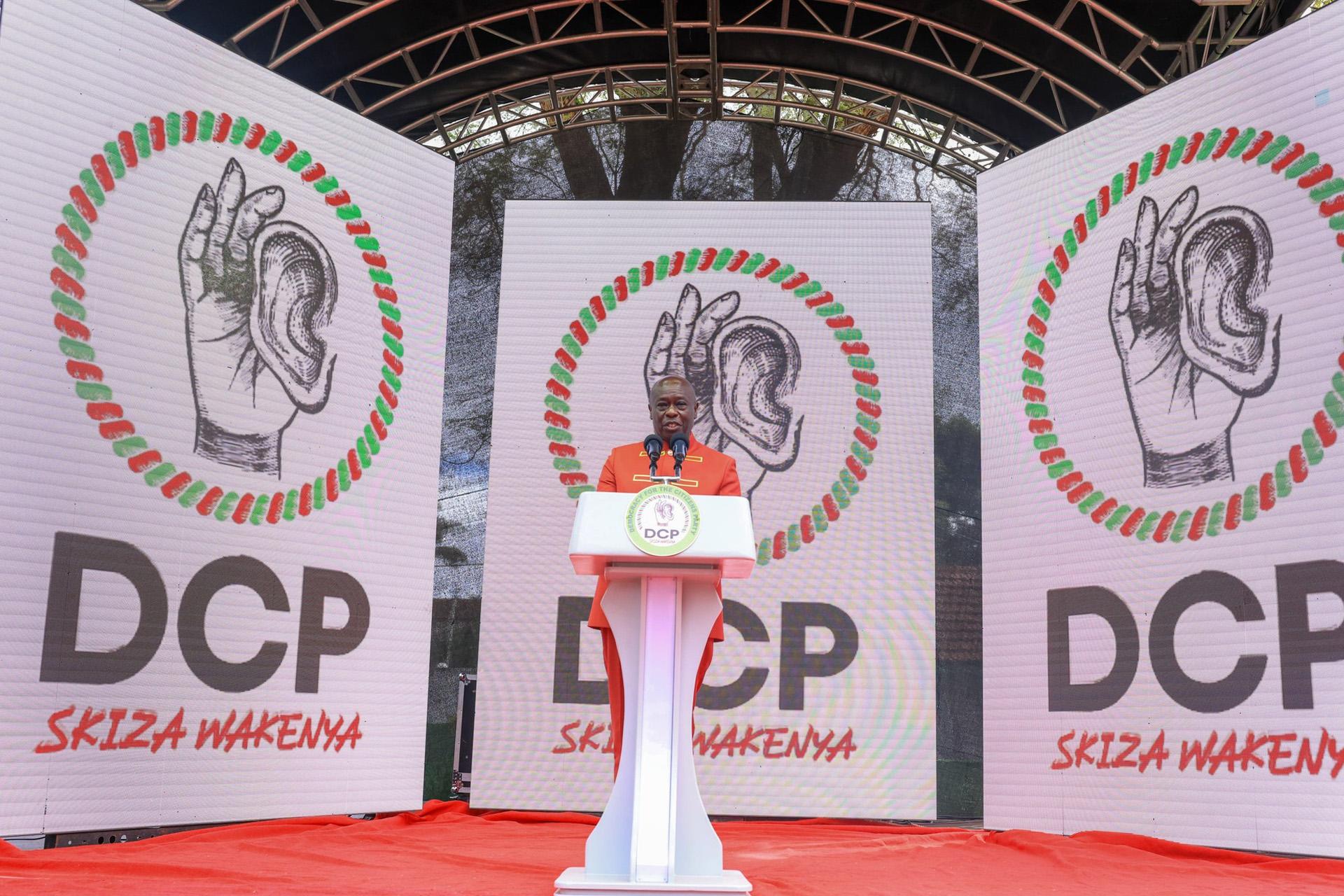
A New Dawn: DCP Unveiled
On May 15, 2025, former Deputy President Rigathi Gachagua officially unveiled Kenya’s newest political movement at the DCP headquarters in Nairobi.

Watch Rigathi Gachagua on the Obinna Show
Party Leader Rigathi Gachagua sits down with Obinna to talk about DCP.